

Download Genieo – Automatic Custom Homepage Builder for Windows, macOS, Android & iOS
What Is Genieo and How It Works?
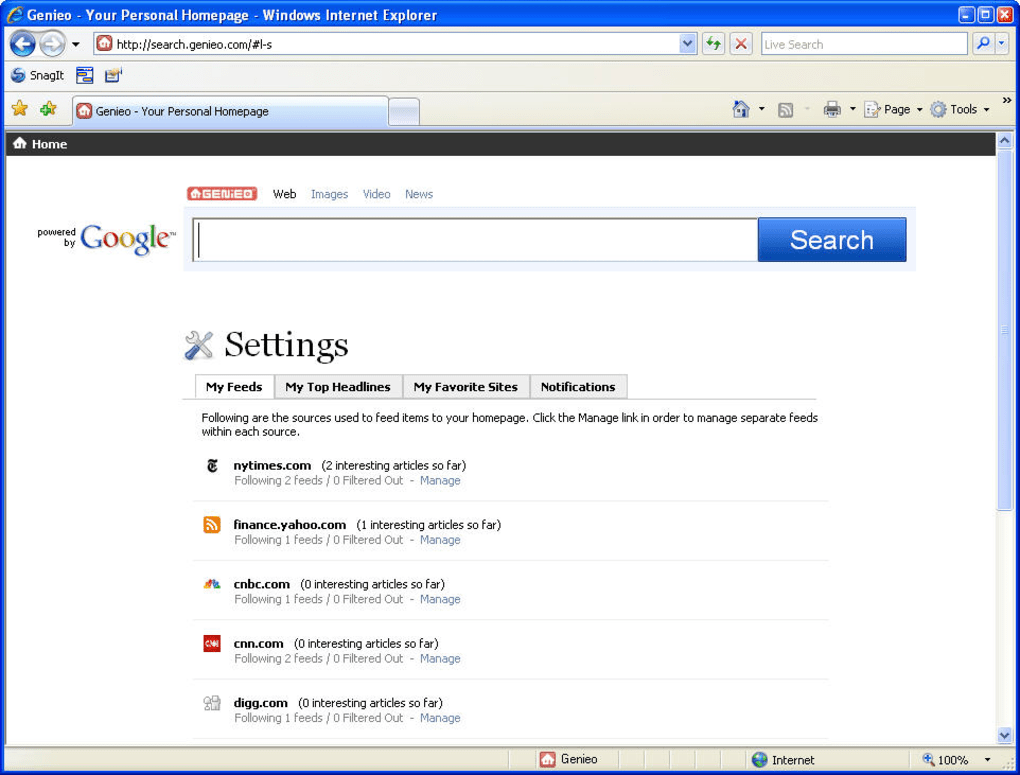
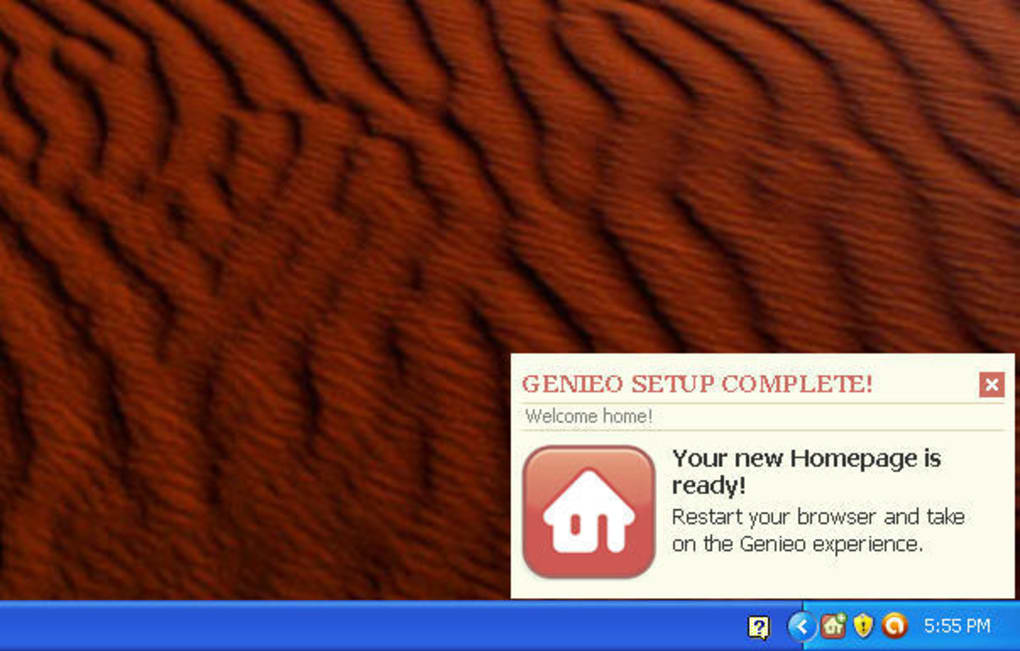
Genieo is a lightweight, free tool that creates a personalized homepage in just a few minutes. Instead of manually adding widgets, RSS feeds, or bookmarks, Genieo reads your recent browsing history and your declared site preferences, then builds a draft homepage that reflects the topics you love. The first draft appears automatically the moment you launch the program for the first time; the generation process may take up to 20 minutes, after which you simply restart your browser to see a fresh start page filled with headlines, web feeds, quick links, and even social updates from Facebook and Twitter.
Because the content is assembled from your own browsing patterns, the result feels instantly familiar—no more generic “new tab” pages that offer nothing but a search bar. While Genieo’s core promise is speed and simplicity, it also gives you full control: you can add or delete feeds, rearrange sections, and tweak the visual layout to match your taste. For users who have grown tired of default homepages like Firefox’s start page or Google’s discontinued iGoogle, Genieo provides a modern, privacy‑conscious alternative that delivers a curated view of the web without the need for constant manual tweaking.
Key Features That Set Genieo Apart
- Automatic Homepage Generation: Analyzes your browsing history and preferences to build a ready‑to‑use start page within minutes.
- Cross‑Platform Support: Works on Windows, macOS, Android, and iOS, ensuring a consistent experience across devices.
- Social Feed Integration: Pulls updates from Facebook and Twitter so you can keep an eye on friends’ activities without opening separate apps.
- Customizable Layout: Drag‑and‑drop widgets, add or remove RSS feeds, and rearrange sections to suit your workflow.
- Lightweight Footprint: Minimal system resources; the program runs silently in the background and does not slow down your browser.
- Privacy‑Focused Design: Stores browsing data locally; no personal information is transmitted to external servers.
- Regular Free Updates: Automatic updates keep the app compatible with the latest browsers and operating systems.
- One‑Click Reset: If you ever want to start over, a single button restores the original default homepage.
These features combine to make Genieo a compelling choice for anyone who wants a fast, personalized start page without the hassle of manual configuration. The automatic generation saves time, while the customization options guarantee that the final result truly reflects your interests. Moreover, the inclusion of social feeds means you stay connected at a glance, turning your new tab into a mini‑dashboard rather than a blank canvas. Because the software is free and regularly updated, you can trust that it will remain compatible with upcoming browser releases and OS updates, protecting your investment of time spent setting up the homepage.
Installation, Setup, and Compatibility Across Platforms
Installing Genieo is straightforward. Visit the official Genieo website, click the Download button that matches your operating system, and run the installer. On Windows, the .exe file guides you through a typical wizard: accept the license agreement, choose an installation folder (the default works for most users), and click Install. macOS users will download a .dmg file, drag the Genieo icon into the Applications folder, and launch it from there. Android and iOS users can find Genieo in the Google Play Store or Apple App Store; simply tap Install and wait for the app to download.
Once installed, launch Genieo for the first time. The program immediately begins scanning your recent browsing history—this process is local and does not upload data to the cloud. Within 10‑20 minutes, Genieo presents a draft homepage that appears as your browser’s default new‑tab page. To activate the new page, close and reopen your browser or click the Refresh button inside Genieo. If you use multiple browsers (Chrome, Firefox, Edge, Safari), Genieo can set the custom homepage for each, provided you grant the necessary permissions.
Supported operating systems include Windows 10/11, macOS 10.14 and later, Android 8.0+, and iOS 13+. Compatibility is maintained through regular updates that address changes in browser APIs and OS security policies. For power users, Genieo offers an advanced settings panel where you can fine‑tune the frequency of history scans, enable or disable social feed integration, and choose a light or dark theme to match your system preferences.
After the initial setup, everyday use is as simple as opening a new tab. The homepage updates automatically in the background, pulling fresh headlines and social posts each time you visit. Should you wish to modify the layout, click the Edit icon on any widget, add new RSS URLs, or drag sections to new positions. All changes are saved locally, so your personalized start page remains consistent across reboots and browser restarts.
Pros, Cons, and Frequently Asked Questions
Pros
- Fast, automatic creation of a personalized homepage.
- Works on all major desktop and mobile platforms.
- Integrates social feeds from Facebook and Twitter.
- Highly customizable with drag‑and‑drop widgets.
- Lightweight and does not affect browser performance.
- Free to download with regular updates.
Cons
- Initial generation requires access to browsing history, which may concern privacy‑sensitive users.
- Limited to the browsers it can modify; some niche browsers may not be supported.
- Advanced customization (CSS styling, custom scripts) is not available in the free version.
FAQ
Is Genieo really free?
Yes, Genieo offers a completely free version that includes all core features such as automatic homepage generation, social feed integration, and basic customization. There is a paid Pro tier that adds advanced styling options, but the free version is fully functional for most users.
How does Genieo protect my privacy?
All browsing data is processed locally on your device. Genieo never uploads your history to external servers, and the app does not collect personal identifiers unless you opt‑in to social feed syncing.
Can I use Genieo with multiple browsers?
Yes. During the first‑run setup, Genieo detects installed browsers and asks which ones you want to set as the default new‑tab page. You can later add or remove browsers from the settings panel.
What happens if I uninstall Genieo?
Uninstalling Genieo restores your original browser homepage settings. Any custom widgets you created will be removed, but the underlying data (RSS feeds, saved links) is stored in a separate folder, allowing you to re‑import them if you reinstall.
Does Genieo work offline?
The initial generation requires an internet connection to fetch the latest headlines and social updates. Once the homepage is built, static widgets (bookmarks, saved feeds) remain accessible offline, but dynamic content will refresh only when a connection is available.
Final Verdict and Call to Action
After testing Genieo on Windows, macOS, and Android devices, the overall impression is overwhelmingly positive. The software lives up to its promise of building a custom homepage automatically, and the process is genuinely quick—most users see a functional start page within ten minutes of first launch. The ability to blend news headlines, RSS feeds, and social updates into a single, scrollable dashboard transforms the boring new‑tab experience into a productivity hub. While the privacy‑first approach (local history analysis) may give cautious users a moment’s pause, the transparent handling of data and the option to disable social feeds provide enough reassurance for most people.
If you’re looking for a free, lightweight solution that personalizes your browsing environment without the need for manual widget hunting, Genieo is worth a download. Its cross‑platform support means you can enjoy a consistent homepage on your laptop, tablet, or phone, and the regular updates keep the software in step with the latest browser changes. For power users who crave deeper styling controls, the optional Pro upgrade offers CSS customization and premium widget packs, but the free tier already covers the essentials.
Ready to give your browser a fresh start? Download Genieo now and let the app craft a homepage that reflects your interests, habits, and social circles—all in a secure, ad‑free package. Experience a more organized web, stay updated at a glance, and reclaim the first impression every time you open a new tab.







